

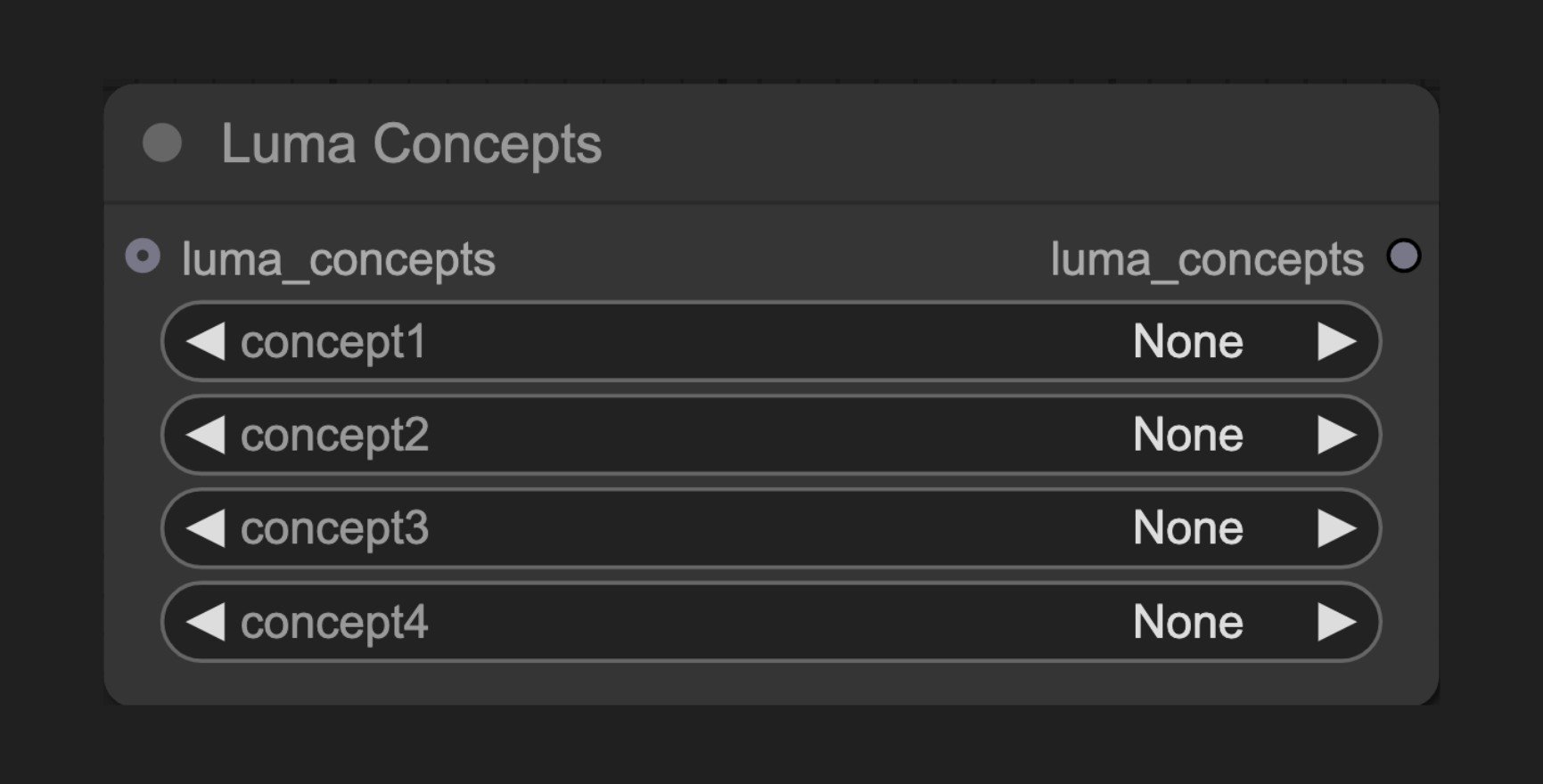
Node Function
This node serves as a helper tool for Luma generation nodes, enabling users to select and apply predefined camera concepts. These concepts include different shooting angles (like overhead or low angle), camera distances (like close-up or long shot), and movement styles (like push-in or follow). It simplifies the creative workflow by providing an intuitive way to control camera effects in the generated output.Parameters
Basic Parameters
Optional Parameters
Output
Usage Examples
Luma Text to Video Workflow Example
Luma Text to Video Workflow Example
Luma Image to Video Workflow Example
Luma Image to Video Workflow Example
How It Works
The Luma Concepts node offers a variety of predefined camera concepts including:- Camera distances (close-up, medium shot, long shot)
- View angles (eye level, overhead, low angle)
- Movement types (push-in, follow, orbit)
- Special effects (handheld, stabilized, floating)